4.5


Furniture Mod For Minecraft

341,455 ratings
Mods / Addons PE Studio
4.5
341,455 ratings

Information
Version
2.4.9
Size
120 MB
Downloads
10,000,000+
Last Update
2026-02-10
Age Rating
Everyone
Requirements
6.0
Screenshots
About
Welcome to the Game: Furniture Mod For Minecraft
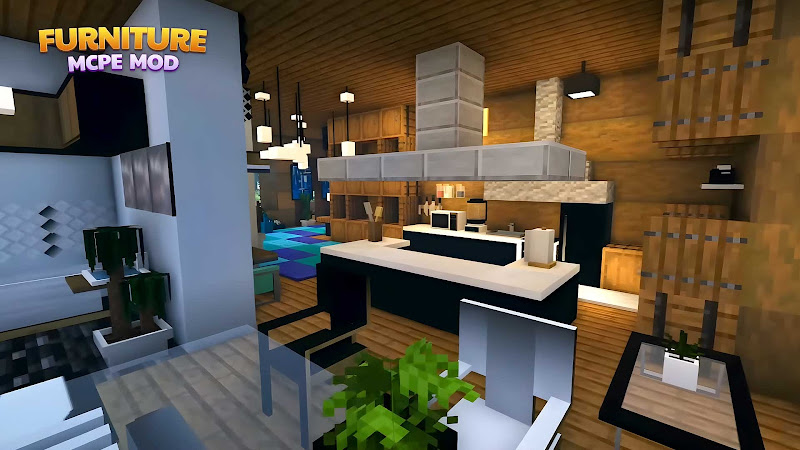
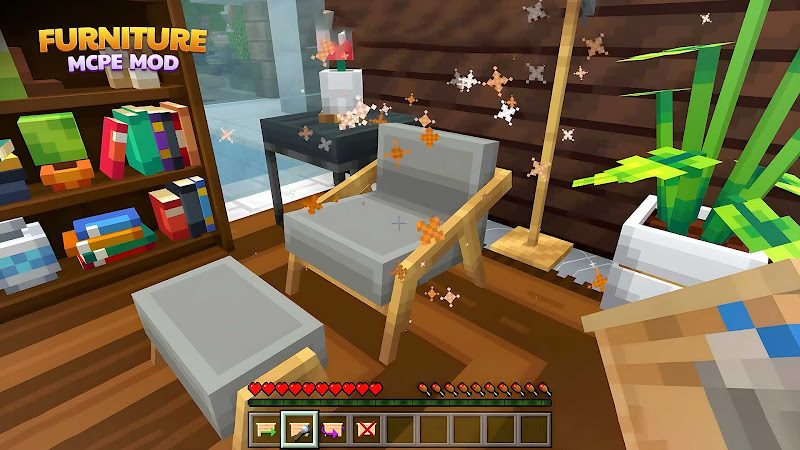
If you’ve ever felt that your Minecraft world looks amazing on the outside but a bit empty indoors, Furniture Mod For Minecraft is here to change that. This creative add-on transforms simple spaces into cozy, stylish homes filled with personality. From modern kitchens to relaxing living rooms, it opens up a whole new way to express your creativity.
Whether you’re building a peaceful survival base or designing a dream mansion, this experience adds depth and charm that makes your world feel more alive.
What You Need to Know First
Before jumping in, it’s important to understand what this add-on offers. It doesn’t change the core gameplay of Minecraft-instead, it enhances your building experience by introducing decorative and functional items.
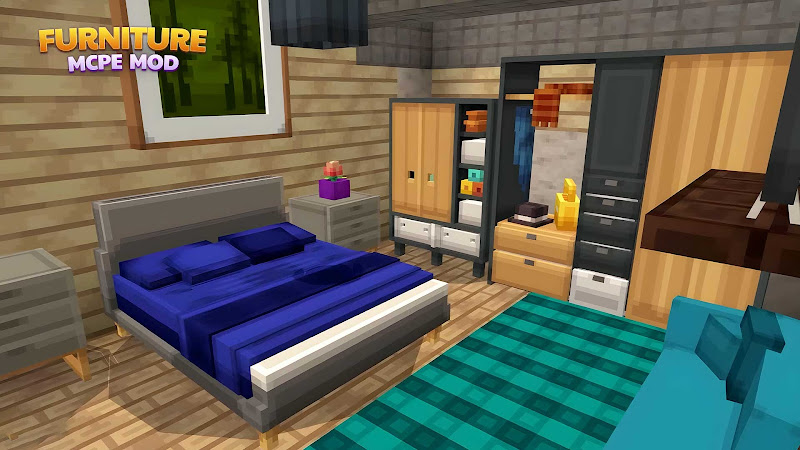
You’ll find things like chairs, tables, lamps, cabinets, and more. These items are designed to fit naturally into the game, making them easy to use even for beginners.
It works smoothly on Android devices, so you can enjoy building on the go anytime.
Beginner Gameplay Guide: Furniture Mod For Minecraft
Getting started is simple and fun. Once installed, you can access new furniture items through your inventory or crafting options, depending on the version you’re using.
Here’s a quick beginner flow:
- Start a new world or load your existing one
- Open your inventory and explore new items
- Place furniture just like regular blocks
- Experiment with layouts in your home or base
- Combine items to create themed rooms
Try starting with a small house-add a bed, a table, and a lamp. You’ll quickly see how much more immersive your space becomes.
Core Features Explained
What makes this experience so enjoyable is its variety and flexibility. Here are the standout elements:
- Wide furniture selection: From sofas to kitchen counters
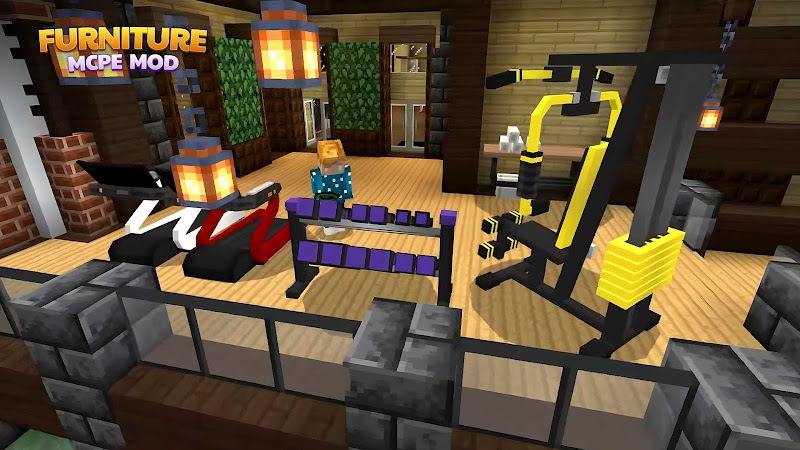
- Interactive items: Some objects can be used, not just placed
- Clean design style: Matches Minecraft’s original look
- Easy placement system: No complicated setup required
- Mobile-friendly performance: Optimized for Android devices
These features make it accessible for beginners while still exciting for experienced builders.
Tips to Get Started
To make the most out of your experience, keep these tips in mind:
- Start small: Design one room at a time
- Stick to a theme: Modern, rustic, or cozy-choose a style
- Use lighting wisely: Lamps can change the entire mood
- Mix and match items: Create unique combinations
- Explore creative mode first: Learn without limits
The more you experiment, the better your builds will look.
Things That Make It Special
What truly sets this apart is how it transforms storytelling in your world. Instead of just building structures, you’re creating lived-in spaces.
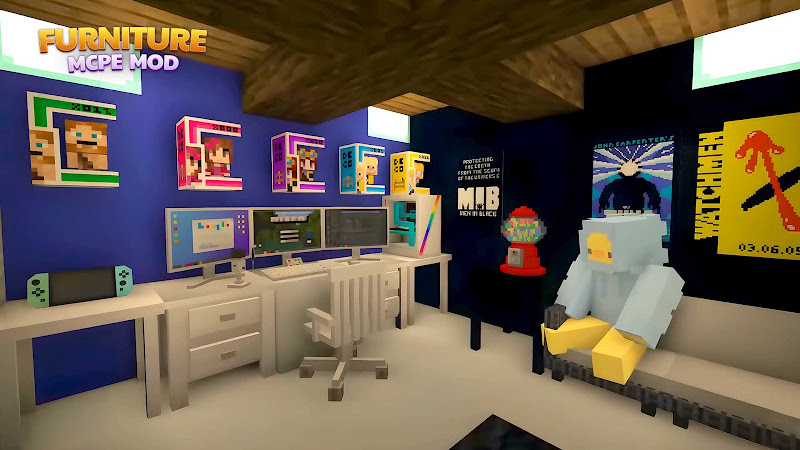
Imagine walking into your house and seeing a fully furnished kitchen, a relaxing lounge, or even a detailed office setup. It adds realism and makes your builds feel complete.
Another highlight is how well it fits into Android gameplay, allowing smooth performance without slowing down your experience.
Pros & Cons
Pros
- Adds depth to building creativity
- Easy to use for beginners
- Works well on Android devices
- Enhances visual appeal instantly
Cons
- Focused mainly on decoration
- Some items may feel similar over time
- Requires exploration to discover all features
Player Experiences
Many players love how this add-on turns basic builds into something memorable. It’s especially popular among those who enjoy designing homes, cafes, or entire cities.
Players often say it makes their worlds feel more “alive” and enjoyable to explore. Even simple houses become impressive with the right furniture setup.
FAQ
Is Furniture Mod For Minecraft available for Android?
Yes, it works well on Android devices and is optimized for smooth gameplay.
What’s the difference between APK versions and standard Android versions?
APK versions are usually downloaded manually and may offer quicker updates, while standard Android versions are installed through official app stores for convenience.
Is it beginner-friendly?
Absolutely. You can start placing furniture right away without any complex steps.
Does it affect performance?
On most Android devices, it runs smoothly if installed correctly.
Wrap-up
Furniture Mod For Minecraft is perfect for players who love creativity and design. It takes your builds beyond simple structures and turns them into fully realized spaces filled with life and style.
If you’re playing on Android and want to upgrade your building experience, this is a fun and easy way to do it. Start small, experiment freely, and watch your Minecraft world transform into something truly unique.
Other you may like
Addons for Minecraft
Kayen Works

Building Mods for Minecraft
Addons for Minecraft
Furniture Mod For Minecraft
Mods / Addons PE Studio
HD Skins Editor for Minecraft
Crone
Mods Addon Skins for Minecraft
Lyxoto Studios
Maps for Minecraft PE
igmi
Skinseed for Minecraft
Africa Sunrise
Skins-MASTER for Minecraft
Crone
Ratings & Reviews
4.5

341,455 ratings
5
4
3
2
1
Comments

0 COMMENTS
×
![icon]()
apktheme
apktheme
apktheme
apktheme
apktheme
apktheme
apktheme
apktheme
apktheme
apktheme


Skinseed for Minecraft
Free
Africa Sunrise
Skins-MASTER for Minecraft
Free
Crone
RollerCoaster Tycoon Touch
Free
Atari, Inc.
RealmCraft: Mine & Craft World
Free
Tellurion Mobile
Power Warriors Z: Dragon Hero
Free
Matiby
More Structures Mod Minecraft
Free
Bunzo Mods and Addons Minecraft PE
Mods Master for Minecraft PE
Free
Mods & Maps & Skins